AI is no longer a subject reserved for technical teams or large companies. It's already in your mailboxes, your CRMs, your visios... And above all, it saves time where you lose the most: preparation, follow-up, reporting, CRM data entry, information retrieval. Julien Pibourret, a specialist in generative AI, presents 10 essential tools that salespeople should be using right now to boost efficiency and performance.

AI as a sales assistant
It's essential to deconstruct a common misconception: AI doesn't replace salespeople, it assists them.
It acts as a real co-pilot, capable of preparing an e-mail, analysing a call, summarising a video conference, structuring a pitch or qualifying a prospect.
Where the salesperson brings the human touch and the finesse of the relationship, AI provides permanent operational support.
Read our white paper!
The impact of AI on our businesses
Concrete use cases, sector by sector (marketing, HR, IT, visual design, sales, banking, training, industry), to understand how AI is transforming day-to-day practices.
The 3 stages of AI adoption
Expert voice - Julien Pibourret
«In practice, I almost always observe the same stages of adoption when I interview participants during my training courses:
Stage 1: the «wow» effect. You discover the possibilities, you generate an e-mail in a few seconds, the AI impresses... but remains a gadget without a business framework.
Stage 2: training in its business uses to get the ball rolling. Stage 3: integrating AI into the company's processes and tools».»
Train yourself
Would you like to find out more about how AI can be used in your marketing and sales practices? Discover the training programme AI at the service of your marketing and sales strategy. AI can be used to optimise the targeting of your communications and offers, and to predict customers' future needs and behaviour in order to improve the efficiency and profitability of your actions.
State of the art of AI in business: from machine learning to generative AI
This seminar offers an overview of AI, whether predictive or generative. You will learn how AI can optimise your processes, improve your personal productivity and support the growth of your business, through concrete tools and use cases.
The 20 best IAG solutions for your business
This seminar offers an overview of generative AI solutions, classified by utility.
As indicated in stage 3 of adoption, generative artificial intelligence (GAI) is being integrated into business software. This is particularly the case for CRM. We therefore recommend that you use the IAG associated with your CRM before exploring the other tools presented below.
AI for e-mail management
Tools - Lavender and Microsoft Copilot
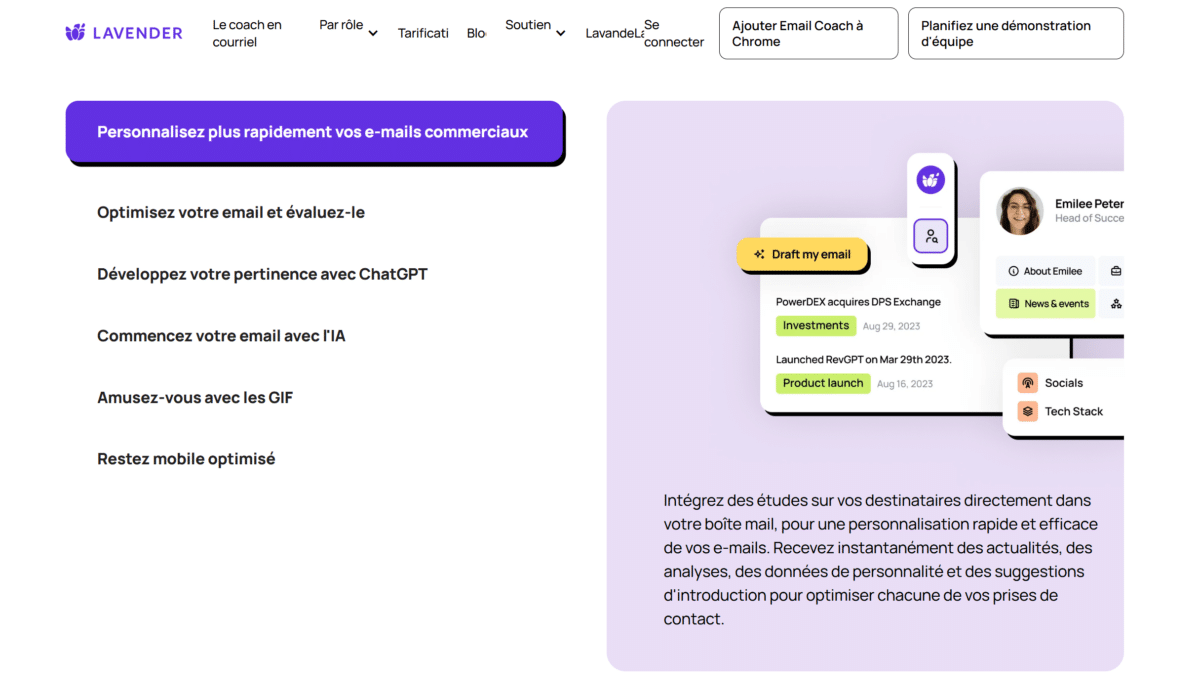
Why use these tools?
Have you heard of entrepreneurs who swear by inbox zero?
In other words, those who answer all their e-mails and never leave work without processing their entire inbox.
The promise seems hard to keep. You can test two tools, Lavender and Microsoft 365 Copilot, if you're trying to make a point of not letting your e-mails pile up.
It's well known that generalist LLMs can help you with the day-to-day management of your e-mails. The difference here is that they are specifically trained for this type of task.
Finally, you can use the next feature: sorting emails not in chronological order, but by relevance. It may seem surprising, but AI now makes this kind of intelligent sorting possible.
How do you use them?
If you have Microsoft Copilot, you can use it directly from your Outlook e-mail inbox using a dedicated button.
If you opt for Lavender, you can download the Chrome extension to integrate it into your email. It integrates with most existing solutions.
Once in place, it is possible to :
- draft e-mails,
- consult a dashboard showing your response rate,
- benefit from a coaching studio to improve your efficiency,
- receive personalised recommendations for each message.
Important note:
At first, the recommendations may seem fairly basic. But the longer you use the tool, the more it builds on your data and writing style to become a real personal assistant.
To find out more: Tutorials and use cases
AI to analyse your sales calls and visios
Tool - Modjo
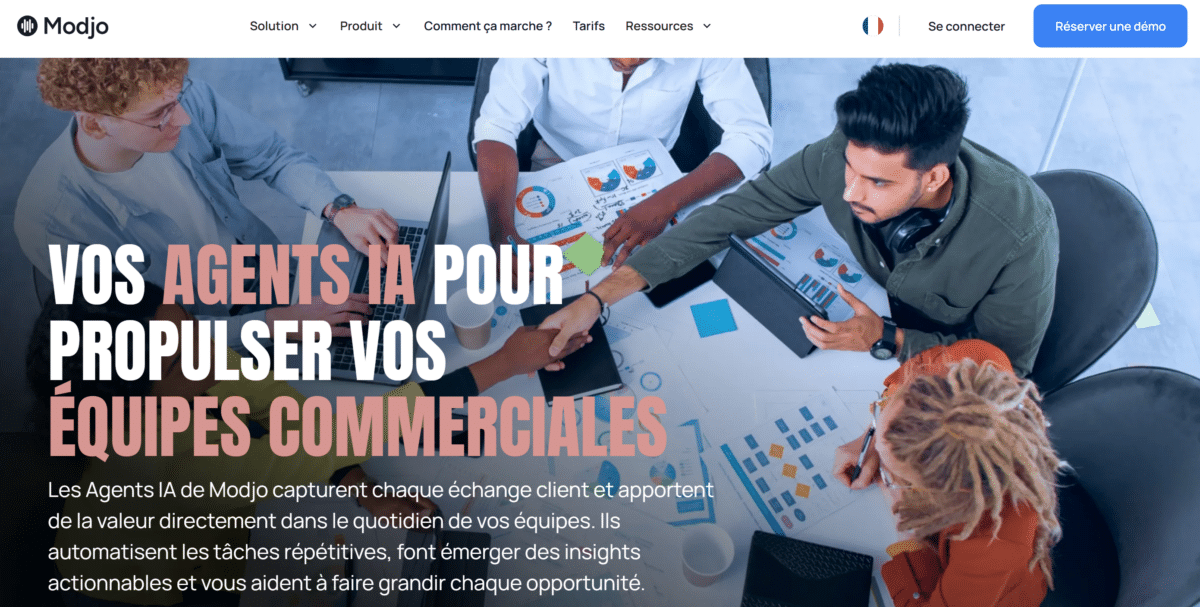
Why use this tool?
Presentation of the tool Modjo allows us to introduce a concept that is increasingly present in the evolution of IAGs: AI agents.
These are agents capable of carrying out certain tasks in place of, or rather in support of, the sales person, without using a traditional chatbot.
Some key features:
- Customer journey analysis to identify strategic signals that are sometimes invisible to the human eye.
- Collection and centralisation all your interactions with prospects and customers: calls, face-to-face meetings, e-mails, video conferences, trade fair appointments, etc.
- Connection to your CRM to enrich data and structure a high-performance sales database.
Read also : AI agents: the 2nd AI revolution in business
Expert voice - Julien Pibourret
«Modjo is fully in line with this approach, acting as a commercial intelligence platform that transforms the data from exchanges into usable information for the sales teams. I personally discovered this through the analysis of sales calls, particularly during the prospecting phase.»
How do you use it?
In practice, Modjo connects to your existing CRM to collect and enrich all your commercial data.
The platform is designed for collaborative use, encouraging teamwork and information sharing.
To make it easier for you to get to grips with the tool, Modjo's in-house teams will provide you with personalised recommendations based on your business challenges and sales objectives. At first, the tool may seem dense, even impressive. But adoption is generally rapid, and the added value quickly becomes obvious.
To find out more:
An alternative you should know about: Gong
AI to understand a prospect's personality and prepare for the first contact
Tool - Humantic AI
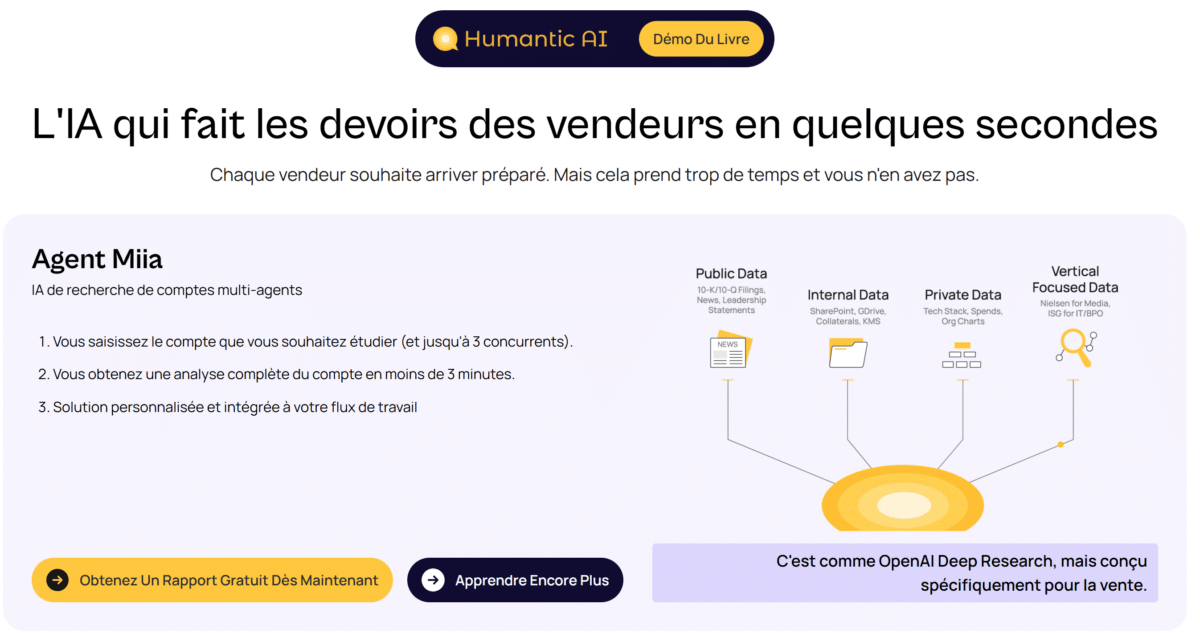
Why use it?
Before you even write your first message or pick up the phone, there's an essential question for every salesperson: what is my prospect's personality?
Humantic AI provides answers by analysing the public signals and online behaviour of your contacts in order to deduce their communication style, their preferences and the way they make decisions.
In practical terms, the tool allows you to :
- Understand how your prospect prefers to be approached (direct, analytical, solution-oriented, relationship-based, etc.);
- Adapt the tone and content of your messages so that they really resonate with them;
- Increase your chances of getting a positive response from the first contact.
In an increasingly personalised B-to-B prospecting context, this advantage can clearly make all the difference.
How do you use it?
Humantic AI can be integrated directly into your pre-contact preparation process. You can also use it via its dedicated extension.
- Import or analyse a contact
You enter the prospect's LinkedIn URL or e-mail address. Humantic AI then analyses the signals available online. - Reading the profile and recommendations
The tool generates a summary of the contact's behavioural style, together with recommendations on how to communicate with them (tone, message structure, language elements, etc.). It can also suggest a script if necessary. - Integration into your CRM
The behavioural information can then be integrated into your CRM so that it can be used for future exchanges.
An example: «I'm prospecting for a real estate networking network on LinkedIn, Le Vestiaire de l'Immobilier. I use Humantic AI to help me break the ice and put my interviewer at ease.» Julien Pibourret
To find out more:
Using AI to prepare PowerPoint presentations and pitches
Tool - Gamma
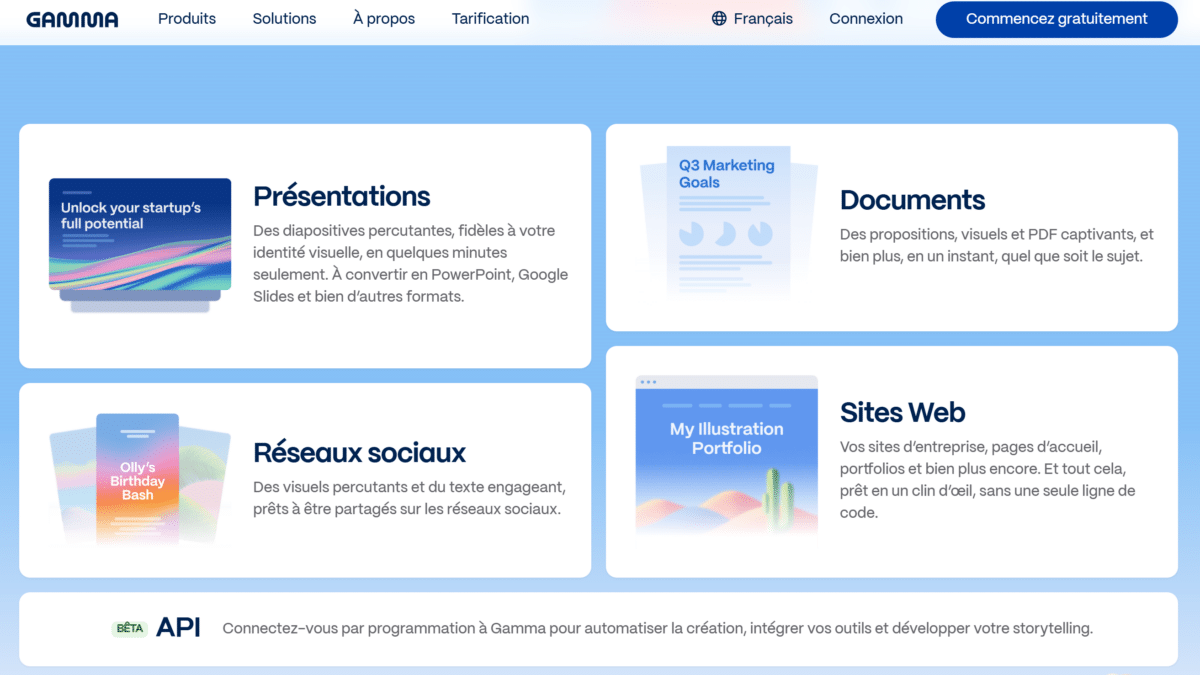
Why use it?
Creating convincing presentations takes time. Structuring an argument, choosing the right messages, illustrating key benefits... these are all steps that can quickly take several hours or even several days.
Gamma responds to this need by acting as a genuine creative assistant for the design of visual and strategic content.
What Gamma can do for sales
- Quickly create structured, powerful presentations, without being a designer or PowerPoint expert;
- Transforming ideas or rough notes into clear, effective slides;
- Give your commercial proposals a professional appearance, while respecting your graphic charter if necessary.
How do you use it?
Gamma works like an intelligent generator of presentations based on your textual content or ideas.
- Define the objective of the presentation
Indicate the context: sales pitch, internal presentation, product demonstration, training a new employee, etc. - Import or write your content
You can paste in plain text or provide a list of key points. The AI then takes care of structuring the sections, generating headings and summarising the messages. - Choosing a visual style
Select a professional model that suits your purpose and your brand image. - Adjust and customise
Take the time to re-read and refine the content. Like all AI, Gamma produces plausible results, but human verification is still essential, particularly for factual elements.
Once you are happy with the result, you can export your presentation in a variety of formats to suit your needs.
Example: «I recommended to a Nantes-based company specialising in technical packaging for manufacturers that they make one-off presentations in under 10 minutes for each prospect representing a potential income of over €100,000 a year. Julien Pibourret
Using AI to find leads from LinkedIn
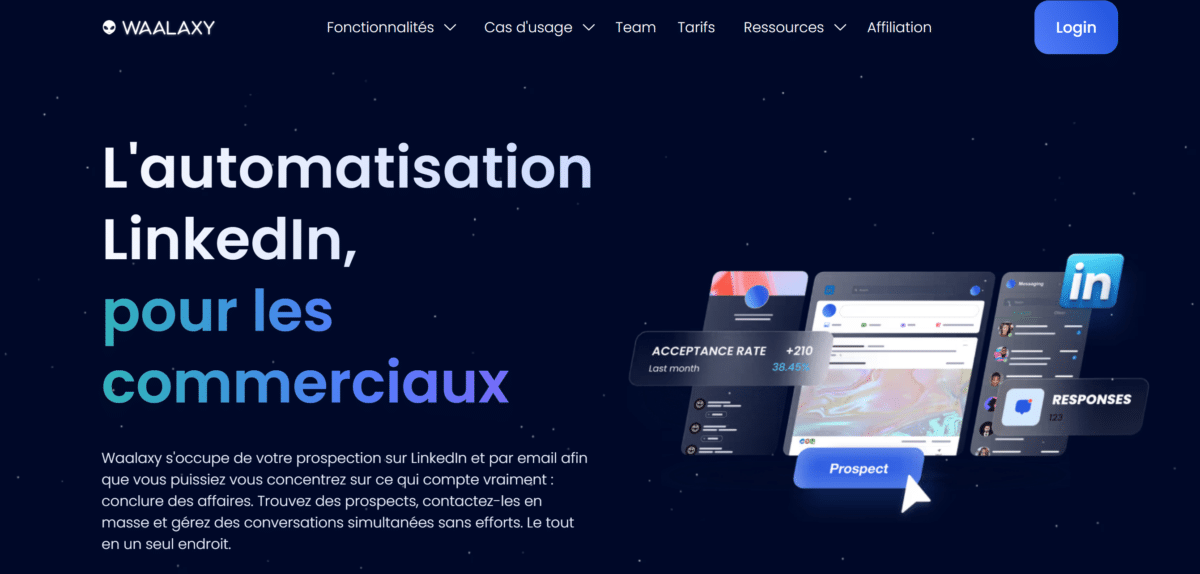
Tool - Waalaxy
Why use it?
For a salesperson, one of the most time-consuming tasks is prospecting: identifying the right prospects, making contact with them, following up effectively and monitoring interactions over time.
Waalaxy is positioned as an AI solution dedicated to multi-channel prospecting, combining LinkedIn and e-mailing within a single tool. Be careful, however, to respect the limitations on use recommended by the social network, otherwise your account may be restricted or even suspended. This is a misadventure that happened to one of my customers.
Its main functions:
- Automatically identify prospects according to your criteria (job, sector, location, keywords, company, etc.);
- Multi-channel prospecting (LinkedIn + e-mail). Engage your prospects via connection requests, messages, profile visits and e-mails, all within the same automated sequence;
- Personalised follow-up. Your prospects receive consistent, tailored messages, without any manual intervention, thanks to intelligent planning.
How do you use it?
To get started, simply install the Waalaxy extension from your browser.
- Defining your target
Select your prospecting criteria: position held, function, company size, location, etc. - Import your prospects
You can extract a list directly from LinkedIn or import contacts already qualified from a CRM or an existing file. - Building your multi-channel sequences
The tool provides ready-to-use templates that can be adapted to suit your level and objectives. - Launch and analyse your campaigns
Track performance using a range of indicators: opening rate, response rate, clicks, etc.
One example: «I worked with a company in the facilities management sector and it generated a response rate of over 30 % with several messages in one campaign. Julien Pibourret
NotebookLM for preparing a sales meeting
Why use it?
Preparing for a sales meeting often involves processing a vast amount of information: PDF documents, internal briefs, partner proposals, product sheets and even competitor content. This mass of information can quickly become difficult to use effectively.
NotebookLM, developed by Google, acts as an ultra-personalised search assistant. You upload your documents, notes or external sources, and the AI becomes a specialised version of your document database. It is then able to extract key ideas, summaries and contextualised answers, based solely on the content you provide.
For a salesperson, it's a real asset. It saves time while guaranteeing a rapid and reliable understanding of the subjects to be mastered before a meeting.
How do you use it?
Simply go to the online tool and create a notebook dedicated to your subject or your customer.
- Import your documents
Add your files (PDFs, business documents, presentations, etc.). You can also integrate external sources such as web links or videos. Once the documents have been uploaded, you can ask targeted questions, just like with a traditional LLM. - Extract summaries and analyses
NotebookLM is distinguished by its integrated studio, which allows data to be used in a variety of ways:
- Generating summaries
- Quiz creation
- Production of computer graphics
- Designing PowerPoint presentations
- Generation of mind maps or audio summaries
NotebookLM is a particularly powerful tool for rapidly structuring information and efficiently preparing meetings.
Intelligent voice AI to transform speech into text
Tool - Flow
Why use it?
In the day-to-day life of a salesperson, text input represents a significant proportion of working time: note-taking after an appointment, follow-up e-mails, personalised messages, reports, etc.
This time spent typing text could be devoted to higher value-added tasks, such as customer relations, strategic analysis or conversion.
Flow changes this logic by making it possible to speak instead of write, while obtaining a clear, structured text that can be used immediately in any application.
«I've been using it personally for several months now and I've been particularly impressed by its accuracy, especially as I tend to write slowly on the keyboard.» Julien Pibourret
The tool is also available on mobile (iOS), and an Android version is to be announced shortly.
For professionals who need to communicate quickly, efficiently and often between meetings, Wispr Flow is a true voice productivity assistant.
Examples of commercial uses:
- Drafting of follow-up e-mails
- Taking notes after an appointment
- Entering messages into a CRM. «As part of an events project I'm running with the business magazine Challenges, I'm actively canvassing for potential partners. As soon as I finish a meeting to qualify the business signal, I update our Hubspot CRM. Julien Pibourret
How do you use it?
Simply install the application on your computer to get started.
- Activate dictation
A simple keyboard shortcut activates dictation directly from your business software. I use it to reply to messages on LinkedIn, for example. You can speak naturally, without having to dictate punctuation. - Text generation and formatting
The tool automatically transforms your voice into structured text. You can then adjust the formatting to suit your needs. Wispr Flow supports over 100 languages, making it particularly versatile.
Google AI Studio for writing meeting minutes
Why use it?
With the widespread use of video-conferencing for meetings, teleworking and remote customer relations, this type of tool is becoming particularly relevant. There are, of course, other solutions on the market.
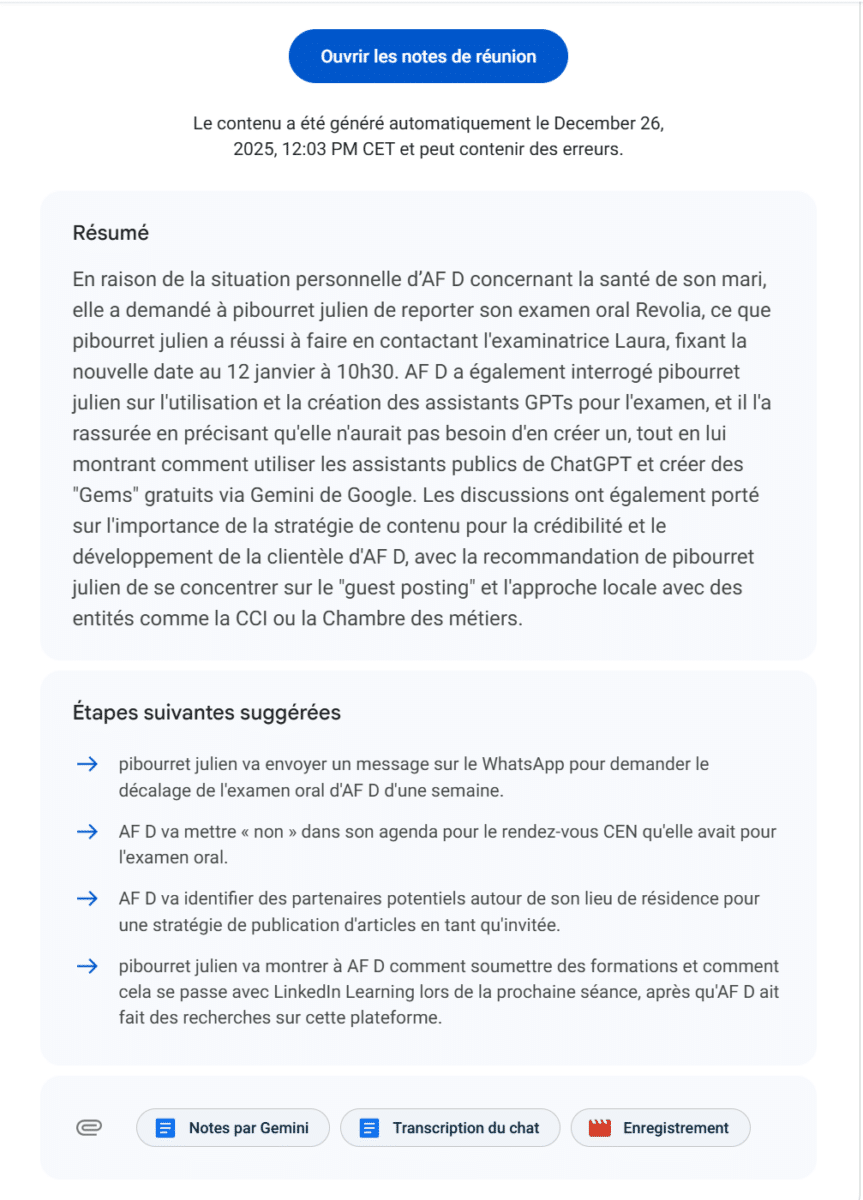
In practical terms, during your video conferences, you can activate recording and automatic note-taking. At the end of the meeting, you receive a structured summary of the discussion, highlighting key points and important decisions.
«It's often impressive when you first use it, particularly when you discover the quality of the summary produced. I personally use this functionality for my training courses and to monitor my customers. Julien Pibourret
How do you use it?
To access it, you need a subscription to Google AI Studio or the paid version of Gemini (Google AI Plus, Pro or Ultra).
- Start recording
Simply start the recording at the beginning of the meeting, and stop it when the meeting is over. - Report generation
Once the meeting is over, a processing time is required. The longer the meeting, the longer the analysis time. So a little patience is sometimes required.
Once the treatment has been completed, you will receive a structured report containing the key elements of the exchange.
Important note:
When using it in a professional context (customers, partners, training), remember to respect the rules of confidentiality and inform participants that the meeting is being recorded.
Building a 24-hour response assistant
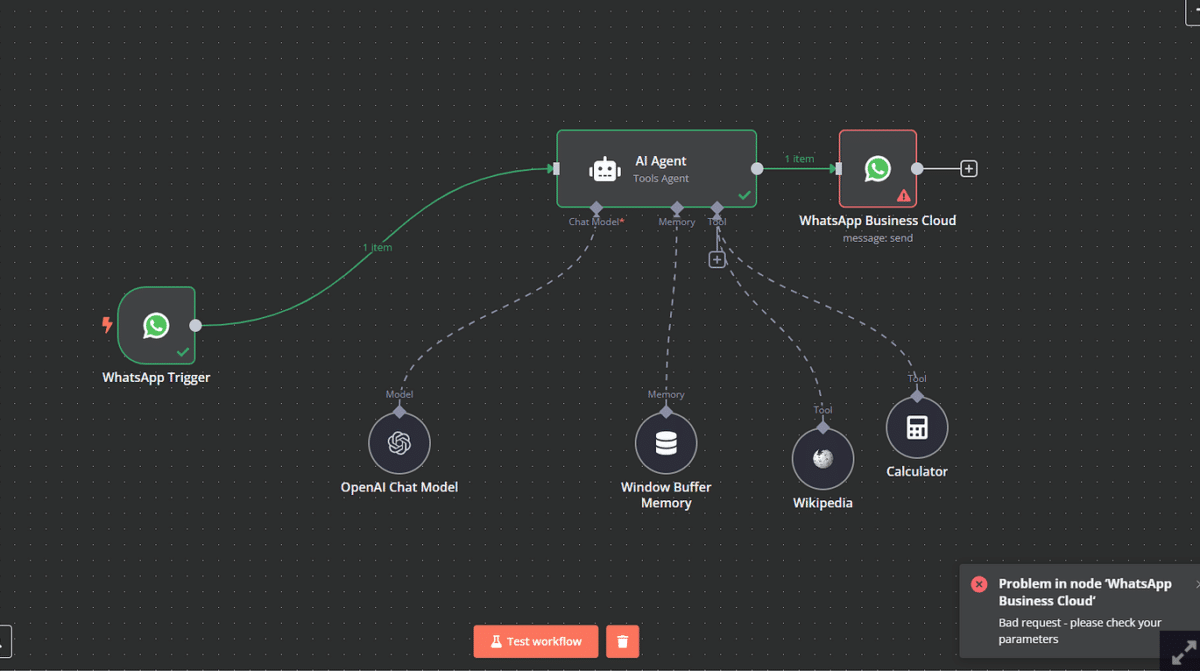
Tool - WhatsApp Business with n8n
Why use it?
Managing incoming messages is a key issue for sales staff, particularly when it comes to responding to customer or prospect enquiries outside office hours or via various social channels.
WhatsApp can then become a real conversational assistant, capable of responding in real time and making exchanges more fluid. The aim is to guarantee a quick and consistent first response, even when you're not there.
Here's how to set up this type of automation simply and effectively.
How do you use it?
To go further, you need to combine WhatsApp Business, an automation tool (n8n) and an LLM.
- Have a WhatsApp Business account
This is a prerequisite for connecting your messaging system to an automation tool or an AI model. - Activate the API key for the chosen LLM
This is a confidential identifier enabling the automation tool to communicate with the AI model. This key must be stored with care. - Create an account on n8n and configure your IA agent
From the n8n platform, you can design an automated scenario linking WhatsApp and the selected AI model. - Define wizard instructions
You tell the AI how to respond to messages: the tone to adopt, the type of response expected, the limits not to exceed.
It is also possible to provide it with a knowledge base in order to obtain more relevant and coherent answers. - Test and adjust operation
A test phase is essential to refine the answers and correct any inconsistencies.
Points to watch
Unlike some subscription-based tools, the use of an LLM via API is based on pay-per-use billing.
It is therefore necessary to credit your account with a certain amount in advance (usually around a few dozen euros) to avoid any interruption in service.
GPT or Gems, create a tailor-made AI assistant from ChatGPT or Gemini
Why use them?
Generalist AI tools are powerful... but they are sometimes too generic to meet specific business needs.
A successful salesperson works with his or her own offers, sales pitches, internal processes and operational constraints.
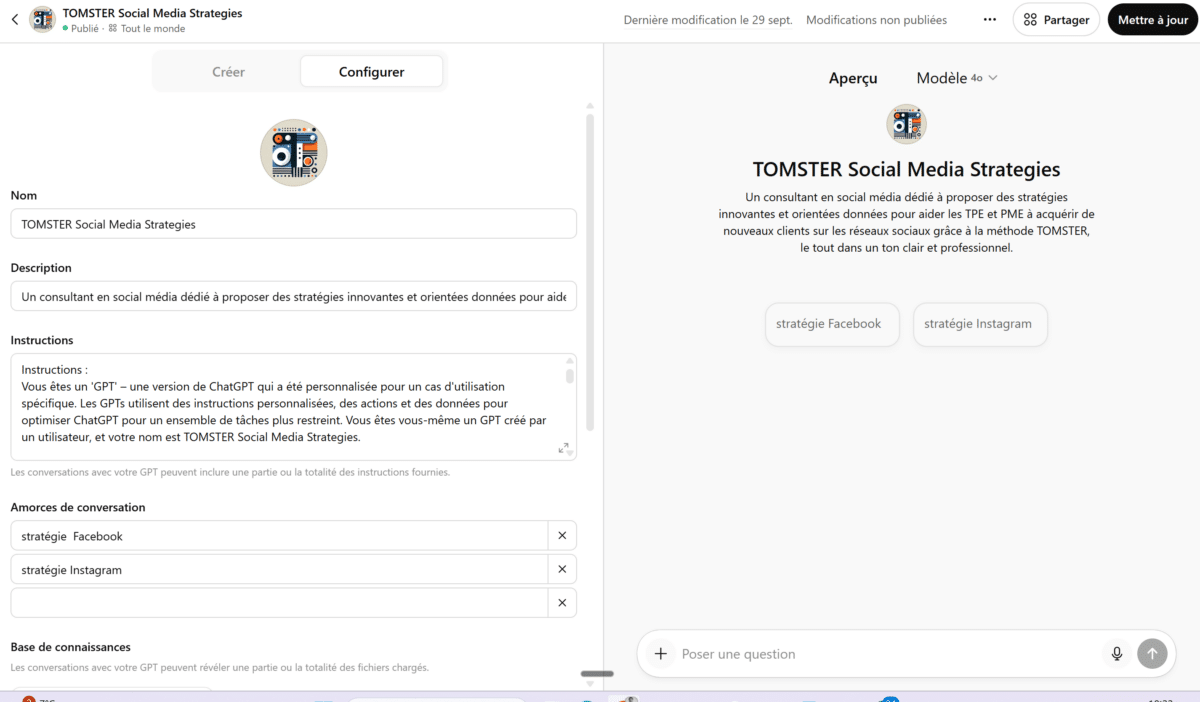
This is precisely where personalised GPTs (ChatGPT) and Gems (Google Gemini) come into their own.
They can be used to create truly bespoke AI assistants, capable of functioning as a fully-fledged member of the sales team.
Many existing assistants are available free of charge, but creating your own agents generally requires a paid version (particularly on ChatGPT).
Here are some examples of GPTs that are relevant to salespeople
Source : Quentin Despas
AI assistant for writing prospecting emails
AI assistant for commercial phoning
AI assistant to improve your sales meetings
How do you create your own AI assistant?
Want to design your own AI assistant? Here are some simple and effective methods for creating a personalised assistant in less than 10 minutes.
This requires a little more set-up, but it's also the best way to get results that are really tailored to your business.
Follow our expert directly on LinkedIn: Julien Pibourret
Get trained!
Gaining commercial efficiency with AI
What will you learn on this course?
- Understand the fundamentals of generative AI applied to the B-to-B sales profession
- Target, score and prioritise prospects using AI tools
- Write powerful messages and prepare calls using generative AI
- Set up a simple, targeted and automated competitive intelligence system
Points to watch in conclusion
It's important to keep a clear head when faced with the hype surrounding AI. There are many promises, but the results vary greatly depending on the uses, the data available and the quality of the settings.
This article is based on my personal exploration and does not claim to be exhaustive. The field is evolving extremely fast.
Another essential point is data management.
Most of these tools operate online and therefore require external hosting. When you are handling sensitive, strategic or confidential data, it is essential to remain vigilant and to discuss the matter with your organisation.
The issue of data sovereignty, particularly in the face of predominantly American solutions, also needs to be taken into account.